Free Google Shopping compliance scan
See what could get your store suspended from Google Shopping.
FeedShield checks your store's policy pages, product pages, pricing and checkout against Google Shopping's rules, then shows you what to fix first, with the evidence.
- Already suspended? Start a suspension check
- See a sample report
scans across more than 100 stores since launch.
Scans stores built on
- Shopify stores were part of our 19-store test set and scanned successfully.
- WooCommerce stores were part of our 19-store test set and scanned successfully.
- BigCommerce stores were part of our 19-store test set and scanned successfully.
- Wix stores were part of our 19-store test set and scanned successfully.
- and custom buildsSquarespace stores were part of our 19-store test set and scanned successfully.
Animated example: FeedShield scanning a made-up store and flagging issues.



Example store, made up
Try it
Find the problems on this store, then see them fixed
A made-up supplement store with the kinds of problems a FeedShield scan flags. Select a numbered point to see what we would report, why it matters for Google Shopping and how to fix it. Then apply the fix and watch the page change.
Example store, made up for this demo
On this page: 5 Fix now · 5 Review · 1 Passed
Countdown timer
FeedShield check: Fake urgency or pressure tactics
- What we saw
- A "Flash sale ends in 05:59:48" timer in the announcement bar, and no end date for the sale anywhere on the page.
- Why it matters
- A timer with no real end date makes the urgency impossible to check, and misleading urgency can fall under Google's misrepresentation policy.
- How to fix it
- Give the sale a real end date or remove the timer. Show low-stock messages only when stock is low.
Tip: ← → to move, F to fix
Under the hood
What a scan looks at
A selection of the checks behind every free scan, grouped in plain English. Hover or select a group to see real check names from the FeedShield engine.
Business identity
Can a shopper, and Google, tell who runs the store?
Check names
- Physical address present
- Business email on own domain
- Business name consistency across site
- Contact page has direct contact methods
- Copyright year current
A selection, not the full list. Full details are on the developers page.
Before and after
Drag to see the fixed store
The same made-up store, before and after the fixes a FeedShield scan recommends. Every change comes from a real finding.
Before on the left, after on the right. Drag the line.
Why it matters
When Google suspends a store, its products disappear from Shopping
A suspended account's products stop appearing in Shopping ads and free listings. Other eligible stores may continue to appear.

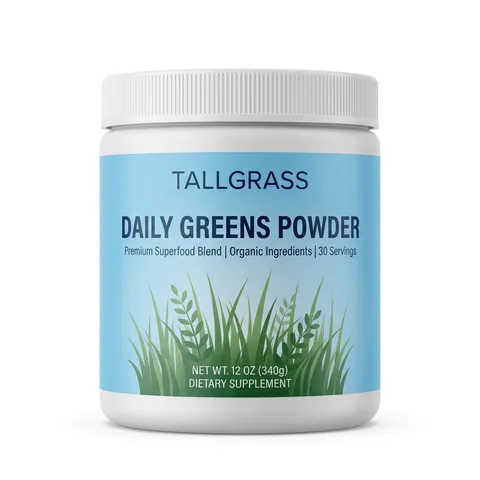
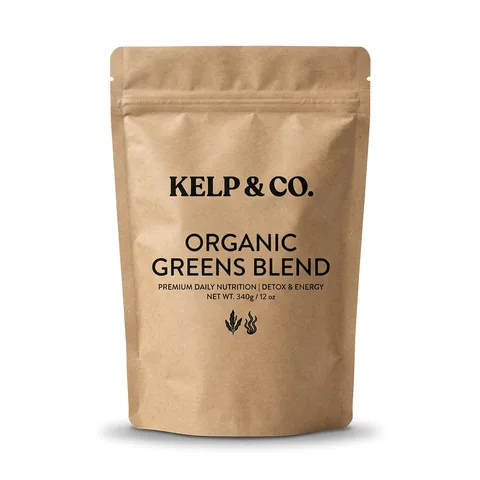
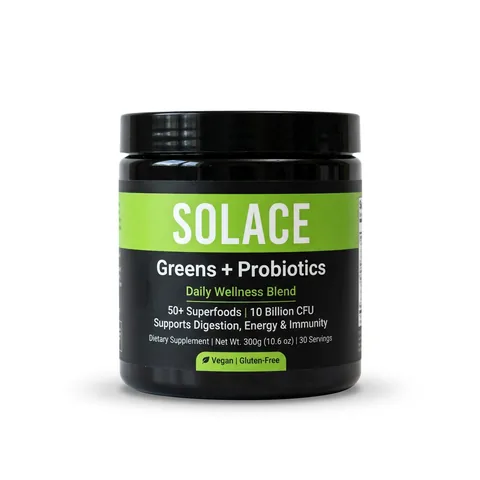
Illustration. Made-up products.
In the row above, one store's listing is missing while five competitors keep their place.
Feed vs live page
Products can also drop out when the feed disagrees with the live page. Google requires the feed's price and availability to match the landing page, and a mismatch can get products disapproved.
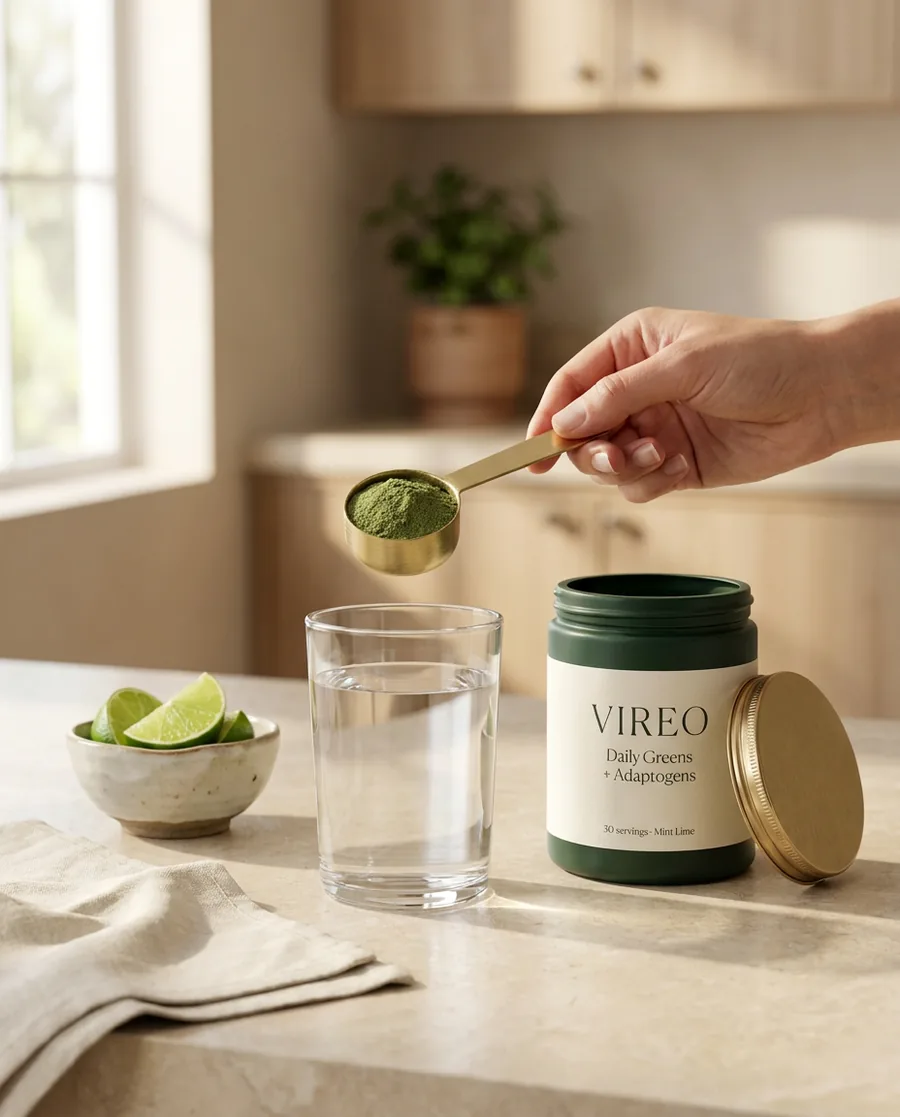
Illustration using the made-up VIREO store.
Merchant Center feed
products.xml · item 1 of 248
- titleVIREO Daily Greens + Adaptogens, Wild Berry, 30 servings
- brandVIREO
VIREO Daily Greens + Adaptogens, 30 servings
On paid plans, connecting Merchant Center compares prices, currency and availability in your feed with your live pages.
What you get
A report you can act on
Findings show what we saw on your pages, why it matters and how to fix it. This is FeedShield's sample report for a fictional store.
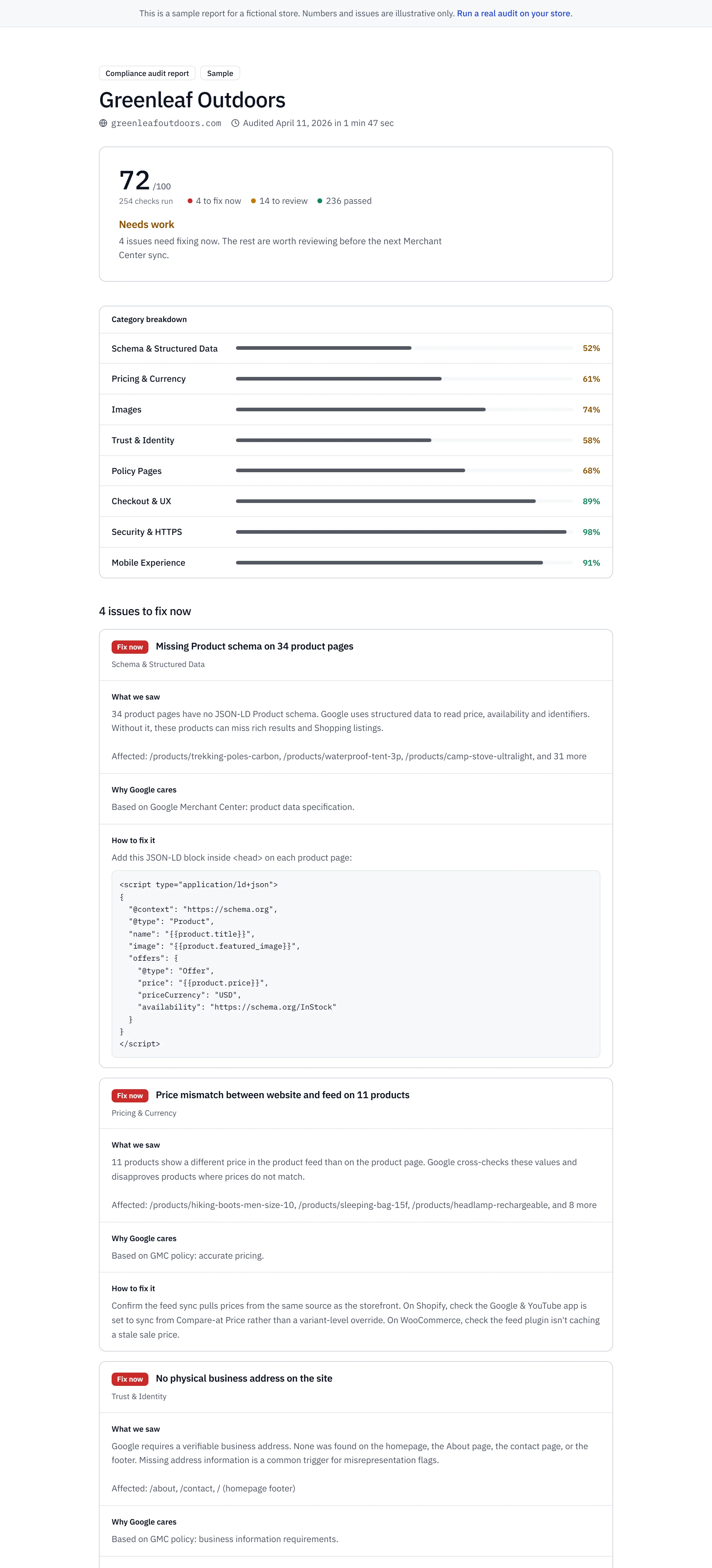
Scroll or drag the report to explore.
Google changes the rules. We check them every day.
Policy Watch checks 18 official Google, Shopify and Meta policy pages daily. When the wording changes, paid plans get an in-app alert that quotes the change.
Paid plans
Keep checking after you fix it
Stores keep changing: a theme update, a new app, a sale banner. Paid plans re-scan your store daily and tell you in the app when something slips.
- Daily automated audits of your policy pages, product pages, pricing and checkout
- Connect Google Merchant Center
- AI fix recommendations
- Policy change alerts
- In-app alerts when issues are detected
Paid plans re-scan your store daily. Example week: a theme update hid the returns link on Thursday, the daily audit flagged it, and the finding closed once the link was back.
For agencies
Every client store in one list
Check a store before you take the account, see who needs attention this week, and send reports under your own brand.
| Store | FixFix now | Review | LastChecked |
|---|---|---|---|
| Ridge Cycling | 5 | 3 | Today |
| Parcel Pet Supply | 3 | 4 | Today |
| Northfield Outdoor | 0 | 2 | Yesterday |
For developers
Want to nerd out? There is a page for that.
API, MCP and WebMCP tools, llms.txt, and how we measure accuracy.
Read the developer docsThe scan form on this page is itself a WebMCP tool:
data-webmcp-tool="feedshield.openFreeAuditForm"
Start free. Paid plans from $39 a month.
The scan is free with no signup. Paid plans add daily audits, a Merchant Center connection and AI fix recommendations.
Free
$01 store
Get a real feel for the product with on-demand scans and PDF reports.
- 1 store
- 5 URL scans a month, on demand
- Checks across your policy pages, product pages, pricing and checkout
- PDF reports
- Email support
Paid, from Starter
$39a month, 1 store
Connect your Google Merchant Center, get AI fix recommendations, and unlock deep page analysis.
- 1 store
- 50 URL scans a month
- Daily automated audits of your policy pages, product pages, pricing and checkout
- Connect Google Merchant Center
- AI fix recommendations
 Payments by Stripe.Cancel any time through your billing portal.
Questions
Is FeedShield part of Google?
No. FeedShield is an independent product. It checks your store against the Merchant Center policies Google publishes and links each finding to the policy it relates to.
Will the scan change anything on my store?
No. The scan reads your public pages the way a shopper's browser does. If you connect Merchant Center, FeedShield reads your account and never changes your products or settings.
How accurate are the findings?
Every finding shows what we saw, so you can check it yourself. Problems we can confirm directly are marked Fix now. Anything that needs a person to look is marked Review, so you don't chase false alarms.
Which store platforms does it work with?
Any store with public pages: Shopify, WooCommerce, BigCommerce, Magento, Wix, Squarespace and custom builds.
What does the free scan check?
Your homepage, a product page and your policy pages, against the rules for business identity, shipping and returns, pricing, checkout, product data and restricted content.
Can I cancel a paid plan at any time?
Yes. You can cancel from the billing section of your account settings.
See your store the way a policy review would
Paste your store's address. You get every finding with its evidence and fix, on screen, in under a minute.